


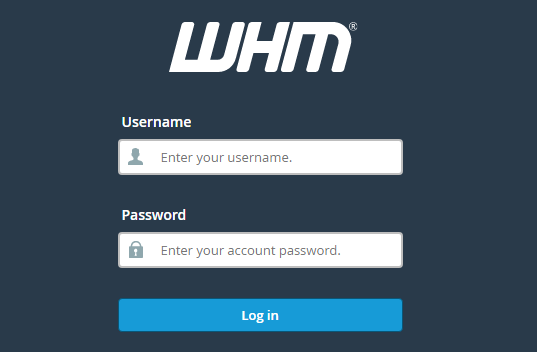
How To Create A New Cpanel Account In WHM?
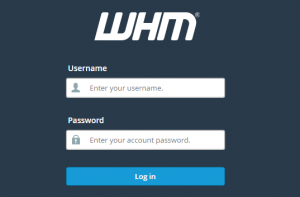
Step 1. Login to your WHM.
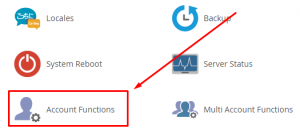
Step 2. Click on the Account Function icon.
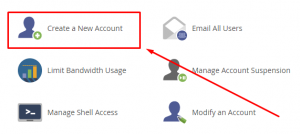
Step 3. Click on the Create New Account sub-icon.
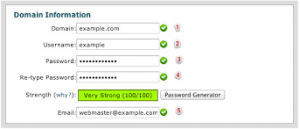
Step 4. Under Domain Information put domain name, username and password (twice) & contact email address
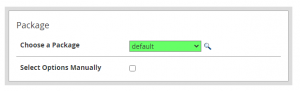
Step 5. Under Package Section, select the Package you have allready create before.
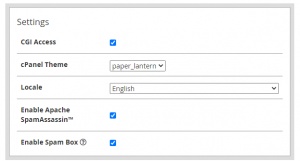
Step 6. Under Setting Section, cPanel allready set this setting.
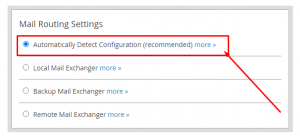
Step 7. Under Mail Routing Settings, Click on Automatically Detect Configuration (recommended).
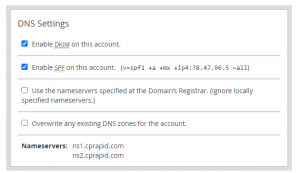
Step 8. Under DNS Setting choose which nameservers will be set in the records and the SPF and DKIM records that will be held in the local DNS nameserver tables.
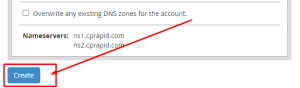
Step 9. Once ready, click on Create. Your account creation has been successful.
Leave a comment
Your email address will not be published. Required fields are marked *